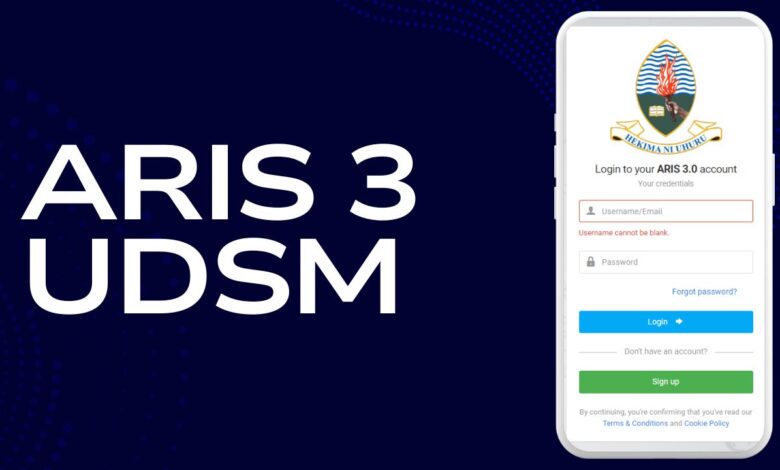
The University of Dar es Salaam (UDSM) uses ARIS 3 (Academic Registration Information System) to manage student and staff academic records. With aris 3 udsm login, students can register courses, pay tuition and hostel fees, check results, and request transcripts. Staff members can manage approvals, records, and departmental processes through the same portal. This guide walks you through everything you need to know to successfully use ARIS 3.
What is ARIS 3?
ARIS 3 is the third version of UDSM’s official online academic portal. It centralizes student and staff services such as:
- Online registration for courses and programs
- Generation of payment control numbers for tuition, transcripts, and accommodation
- Access to semester results and academic history
- Online transcript request system
- Staff management tools for approvals and reporting
Who Can Use ARIS 3?
- Students: Both undergraduate and postgraduate students use ARIS 3 for registration, payments, and results.
- Alumni: Former students can still access services like transcript requests.
- Staff: Lecturers and administrators log in to manage departmental approvals, results, and records.
ARIS 3 UDSM Login Requirements
Before signing in, ensure you have:
- A valid student ID number or staff credentials
- A working password (or reset instructions if forgotten)
- Access to the official portal: aris3.udsm.ac.tz
- A modern browser with cookies enabled
If login problems occur, clearing cookies and cache often resolves errors.
How to Log in to ARIS 3
- Visit the ARIS 3 UDSM portal.
- Select Student or Staff login.
- Enter your username (student ID or email) and password.
- Click Login to access your dashboard.
- If you forgot your password, click Forgot password? and follow the reset steps.
ARIS 3 Dashboard Overview
Once logged in, the ARIS 3 dashboard provides easy navigation through:
- Profile: Update personal information
- Registration: Select and confirm courses each semester
- Academic: View results, request transcripts, track academic history
- Payments: Generate control numbers and confirm payments
- Accommodation: Apply or manage hostel requests
- Reports: Download statements and confirmations
Course Registration Process
Course registration on ARIS 3 follows these steps:
- Log in to your ARIS 3 account.
- Go to Registration.
- Select available courses based on your program requirements.
- Confirm your selection and submit.
- If necessary, wait for departmental approval.
Students must complete registration within the official university deadlines.
How to Pay Fees in ARIS 3
UDSM requires all payments through control numbers generated inside ARIS 3.
Steps to generate and pay:
- Log in and go to Payments.
- Select New Payment.
- Choose the fee type (tuition, hostel, transcript, etc.).
- Request a control number.
- Pay through mobile money (M-Pesa, Tigo Pesa, Airtel Money) or bank.
- Verify payment status in My Payments after reconciliation.
Checking Results in ARIS 3
To view results:
- Log in and navigate to Academic → Results
- Select the semester you want to view
- Download or print the statement for records
Outstanding balances may block result visibility, so always clear payments on time.
How to Request Transcripts in ARIS 3
Transcript requests are made entirely online:
- Log in and select Academic → Transcript Requests.
- Click Add New Request.
- Fill in details like number of copies and destination.
- Generate a control number for the transcript fee.
- Make payment and confirm.
- Download and submit the transcript request form with required attachments.
Common Login Problems
- Invalid Credentials: Double-check ID and password; reset if necessary.
- Page Not Loading: Clear cookies/cache or switch browsers.
- Payment Not Reflecting: Wait for reconciliation, confirm control number, and keep receipts for verification.
Security Tips for ARIS 3 Users
- Do not share your login details with others.
- Always log out when using public or shared computers.
- Update your password each semester for safety.
- Verify control numbers inside ARIS before making any payment.
Student Services Available in ARIS 3
- Course registration and management
- Checking results and progress reports
- Accommodation requests and hostel applications
- Payment of tuition, hostel, and service fees
- Requesting transcripts and certificates
Staff Services in ARIS 3
- Approving student registrations
- Uploading results and records
- Access to departmental reporting tools
- Managing academic workflows
Difference Between Admissions and ARIS 3
- Admissions (OLAS): Used before joining UDSM for submitting applications and paying application fees.
- ARIS 3: Used after admission for all academic and financial management during study.
Contact for Support
For unresolved issues, students and staff should contact their college ICT office or the UDSM Computing Centre (UCC).
FAQ on ARIS 3 UDSM Login
1. What is the official ARIS 3 UDSM login link?
The official login portal is aris3.udsm.ac.tz, available directly from the UDSM website quick links.
2. How do I reset my ARIS 3 password?
Click “Forgot password?” on the login page and follow instructions. If you no longer have access to your registered email, contact your college ICT office.
3. Can I pay my UDSM fees through mobile money?
Yes, once you generate a control number, you can use mobile money services like M-Pesa, Tigo Pesa, or Airtel Money.
4. Why are my results not showing on ARIS 3?
Results may not appear if your college hasn’t released them or if you have pending fee balances.
5. How long does it take for payments to reflect in ARIS 3?
Payments usually reconcile within 24 hours. Keep your payment receipt in case of delays.
6. Can alumni access ARIS 3?
Yes, alumni can still use ARIS 3 for services like transcript requests.
7. What should I do if ARIS 3 keeps logging me out?
Clear your browser cookies and cache, then log in again using updated credentials.